
Dronetrake · Flight-school programme
Offer your students a free workspace to practise on real data — missions, weather, logbook, live streaming — all under your logo. Free for them; for the school the programme is the School plan, with a free trial. Here is how to set it up in five steps.
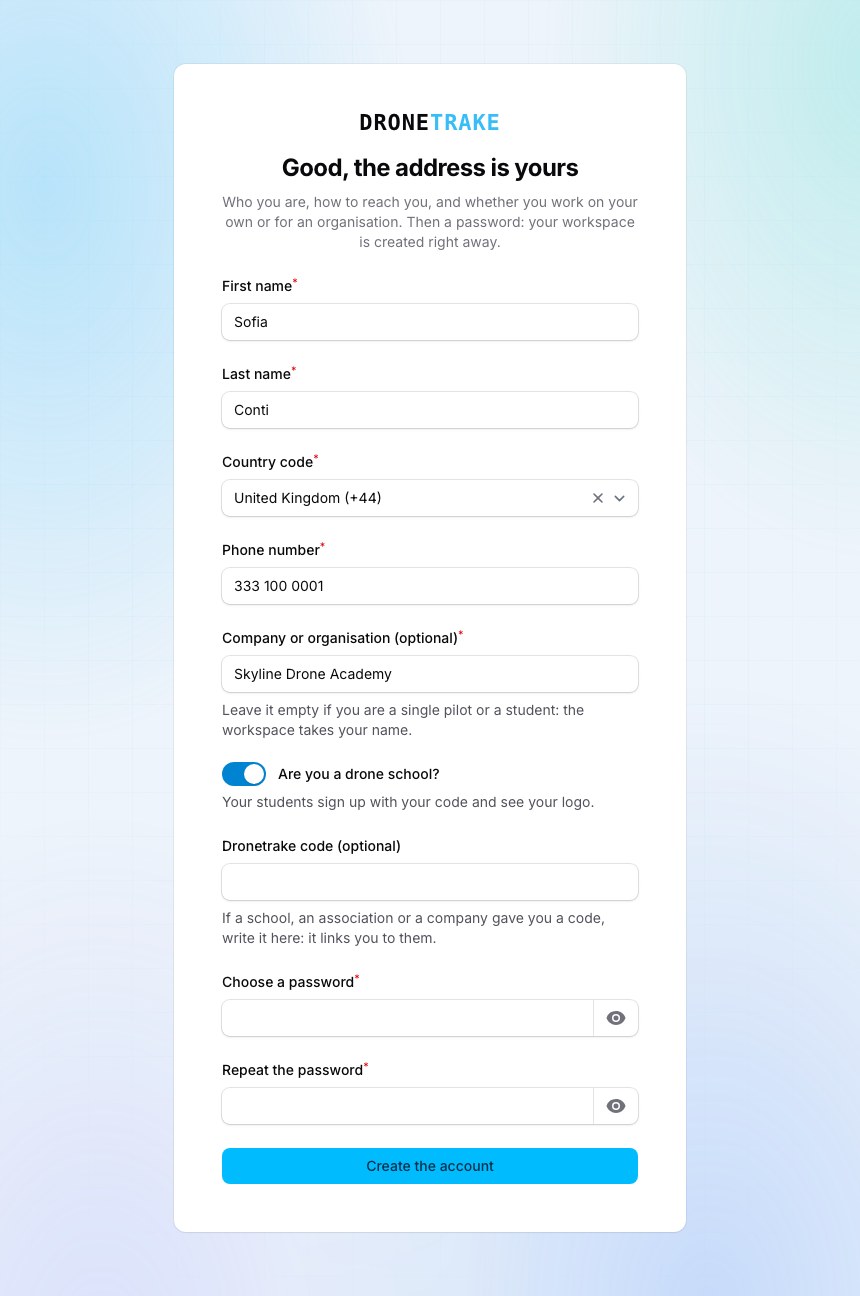
Create your organisation and switch on “We are a flight school”. Then choose a school code — an easy handle you'll hand to your students (e.g. skyacademy-london). If you arrive from the Start the free trial button on our schools page, the toggle is already on for you.
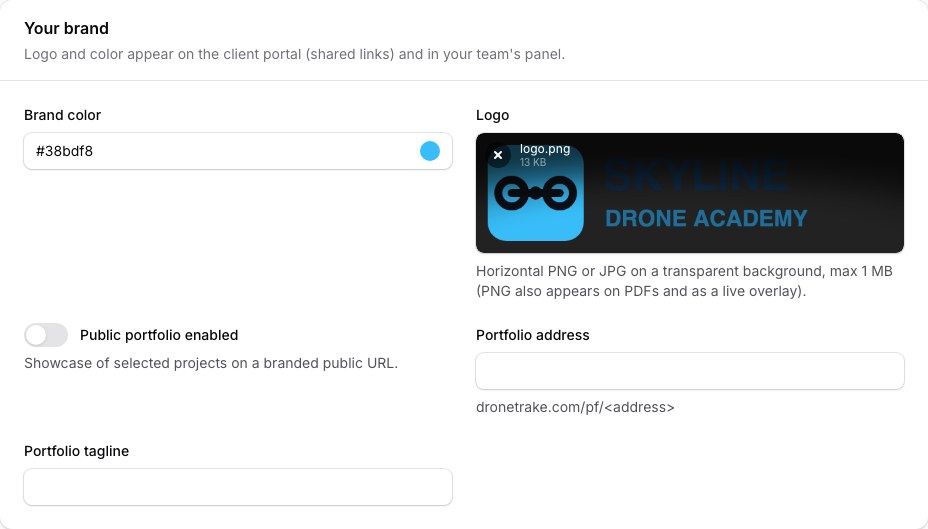
In your organisation profile, open the Your brand section and upload your school's logo. This is the logo students see across their co-branded workspace — without it, they'd see your school's name but our default mark.
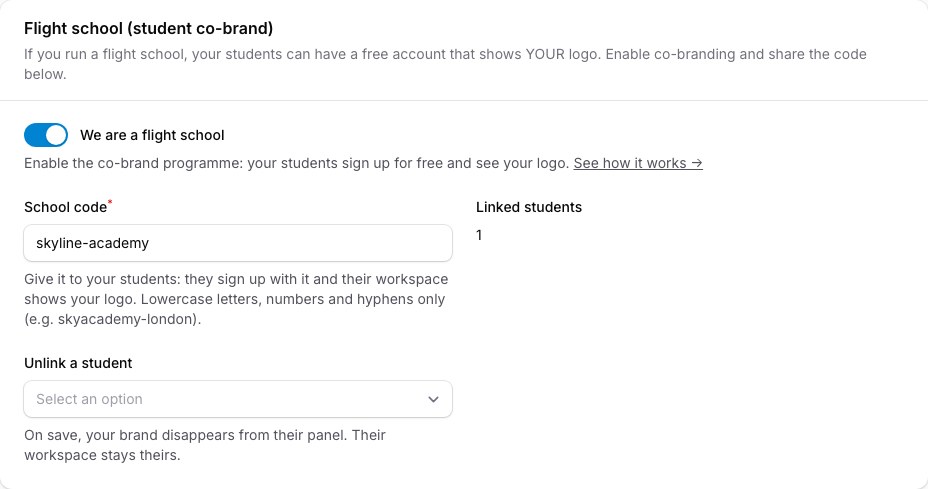
Your code lives under your organisation profile → Flight school, so you can copy it any time. Share it by email, in class, or on your enrolment page. The Linked students counter shows how many accounts are riding on your brand.
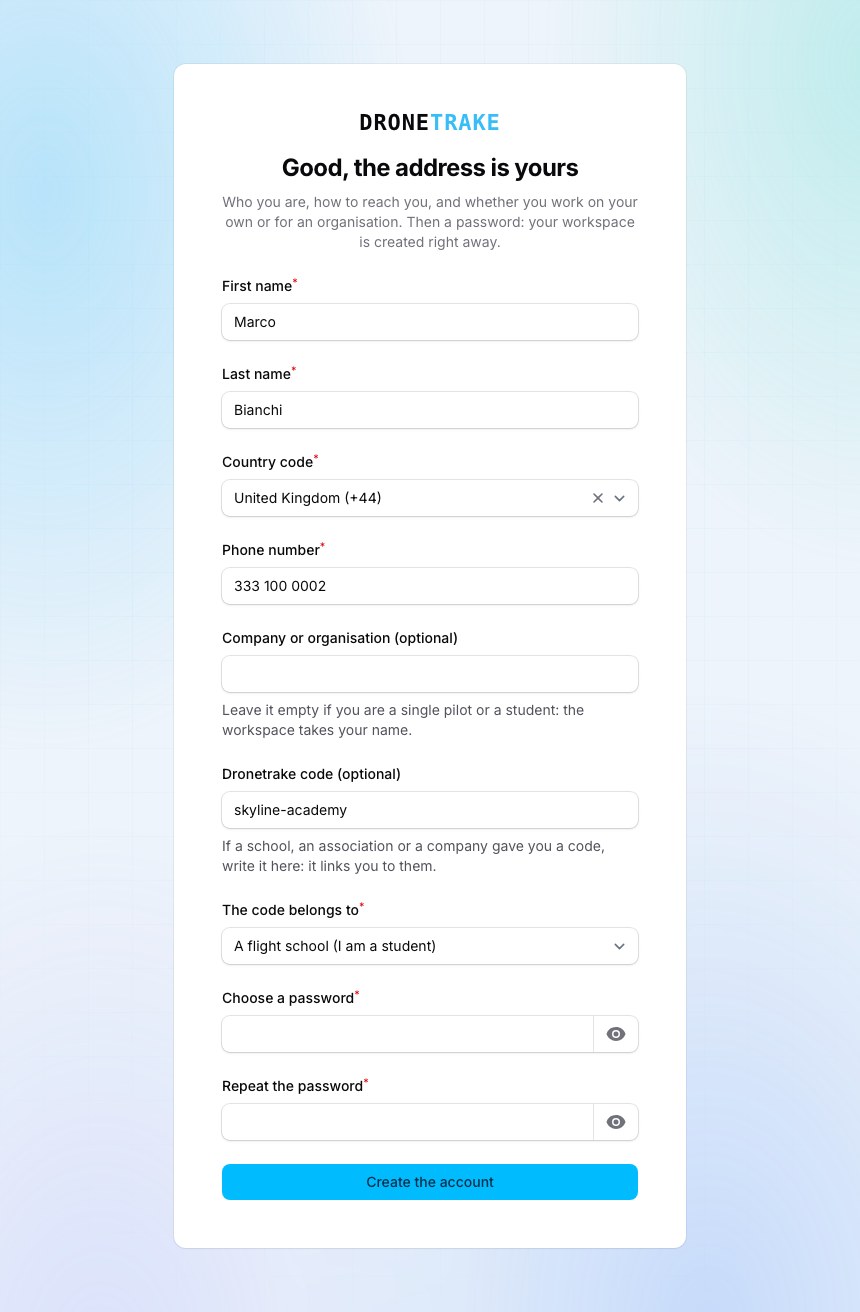
Each student creates a free account and enters your code in the “School code” field — no card, no cost. Their workspace is their own; the code simply attaches it to your school.
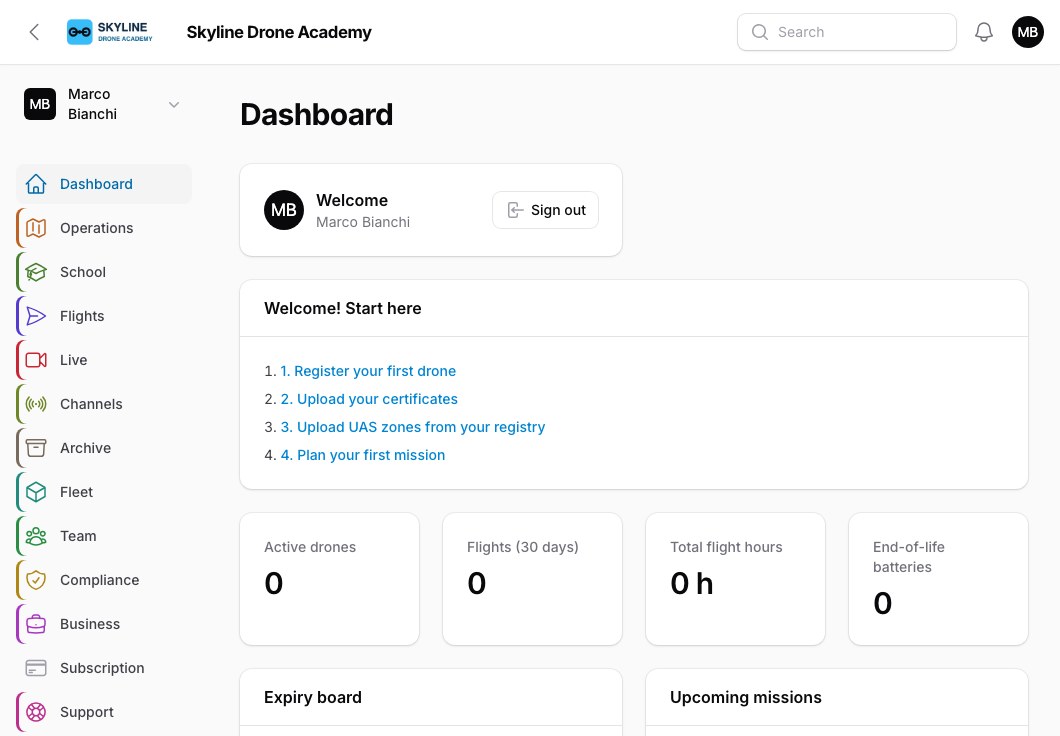
From then on, every student's panel carries your logo and name. To them, Dronetrake looks like the school's own tool — while each student's flight data stays private to them.
You switch it all on from your organisation profile in a minute.
Start free Talk to us